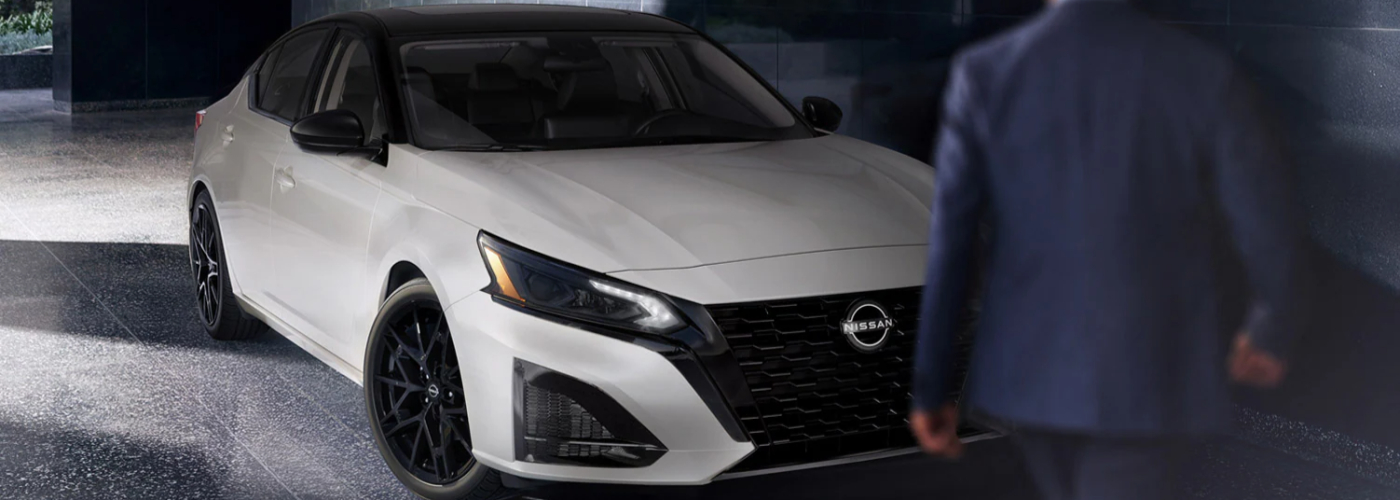
Cruise control makes every drive smoother and more efficient, especially on long stretches of Nisswa highways. If you’ve ever wondered how to operate the Nissan Altima cruise control, Tanner Nissan will walk you through the simple steps to activate, adjust, and turn it off safely. Whether you’re using traditional or intelligent cruise control, the process is easy, boosting your confidence on the road.
The cruise control allows Aitkin drivers to maintain a set speed without pressing the accelerator pedal. This system is ideal for highway travel, helping reduce fatigue and improve fuel efficiency. Most modern Altima models also offer Intelligent Cruise Control (ICC), which automatically adjusts your speed to maintain a safe following distance from the vehicle ahead. Key benefits include:
To turn on the button, locate it on the right side of your steering wheel. Press the “CRUISE” or “ON/OFF” switch to activate the system. Once you reach your desired speed, press the “SET” button. You can then use the “+” or “–” buttons to fine-tune your cruising speed. To cancel, press the brake or the “CANCEL” button—your Altima will return to manual control instantly. It’s as simple as that.
If your Altima includes Intelligent Cruise Control, you can maintain both speed and distance automatically. After pressing the cruise control button, select your desired distance setting—short, medium, or long. The system uses radar sensors to detect vehicles ahead and adjusts speed smoothly.
The cruise control system makes your drive more comfortable, controlled, and efficient. If you have any questions, please contact us or swing by our service center. Brush up on our service and parts tips to learn more.
When you’re craving a compact sedan with agile performance and a premium feel, it’s hard to beat the new Nissan Sentra. Offering even more available connectivity and convenience features for the new model year, the 2025 Nissan Sentra takes all your Nisswa drives to the next level. Learn more about what you can expect…
When drivers search for their next affordable SUV, many turn to the Nissan Kicks. Designed to pack exceptional comfort in a compact package, the 2025 Nissan Kicks interior makes use of every inch of space to ensure you and your passengers enjoy your rides through Nisswa. Learn more about the Nissan Kicks interior dimensions…
The Nissan Kicks trims include the S, SV, and Nissan Kicks SR. If you’re shopping for Nissan Kicks models near Nisswa, you’ll want to familiarize yourself with their differences in terms of pricing and features. Take a close look at the differences between each of the 2025 Nissan Kicks trim levels with Tanner Nissan. Then,…